Portal Features
The Barcodes Customer Portal provides a comprehensive suite of tools to manage your barcodes, QR codes, and product registrations. Explore the features below to learn more about what you can do.
Download All Order Files
Download all files associated with your orders. Access your barcode images, certificates, and other order-related documents in one convenient location.
EAN/UPC Barcode Management
Manage your EAN/UPC barcodes and GTIN Assignment Certificates with ease.
- Change the business name on your GTIN Assignment Certificate and download the updated certificate
- Access links to visit the site where your barcodes were purchased to buy more barcodes
Dynamic QR Codes
Manage your dynamic QR codes and control where they redirect.
- Update the destination link for each QR code image
- View QR code filenames and see which link each QR code contains
- See the date when each QR code will require renewal
Design Your QR Codes
Create branded QR code images for your dynamic marketing codes without changing the link encoded in them.
- Choose module and background colors, plus module and eye shapes
- Add a call-to-action frame with custom text and colors
- Center a built-in or uploaded logo on the QR code
- Preview your design and download PNG or SVG files
Dynamic QR Renewals
Renew your dynamic QR codes before they expire so they keep redirecting correctly.
- View each dynamic QR code with its renewal date and current redirect URL
- Select one or more QR codes and renew them in a single checkout
- Choose a renewal length and complete payment through the store where the codes were purchased
ITF-14 Codes
View ITF-14 codes from your orders, linked to your EAN/UPC barcodes.
- See each ITF-14 code alongside its source EAN/UPC barcode
- Add notes for carton packing details such as units per case
- Choose whether notes are private or shown at barcodesdatabase.org
2D Barcodes
Generate GS1-compatible 2D barcode images using our 100% GS1 compatible resolver system. These images will eventually replace EAN/UPC images on products as retailers adopt the new GS1 Digital Link standard.
- Generate basic 2D barcode images using our 100% GS1 compatible resolver system, guaranteeing these 2D barcode images will work when scanned at retailers who have adopted the new GS1 Digital Link standard
- Create a free 2D barcode image from any barcode purchased by the customer that shows in the Portal
- Download an SVG version of the 2D barcode
- Add Key Qualifiers (GS1 term for batch/serial numbers etc.) to your 2D barcodes
- Include Data Attributes (dates/measurements e.g. best before, weight) in your 2D barcodes
MCP Access
Connect your AI coding assistant to your Portal account. Create a token and paste setup instructions into Cursor, Claude, ChatGPT, or other MCP-compatible tools.
- Create named tokens to authorize each AI tool or device
- Copy setup prompts or manual configuration for Cursor, Claude, Antigravity, and ChatGPT
- Let your AI list, add, update, and delete product registrations
- Update dynamic QR target URLs through your AI assistant
- Edit ITF-14 packing notes and visibility settings
Barcode Registration
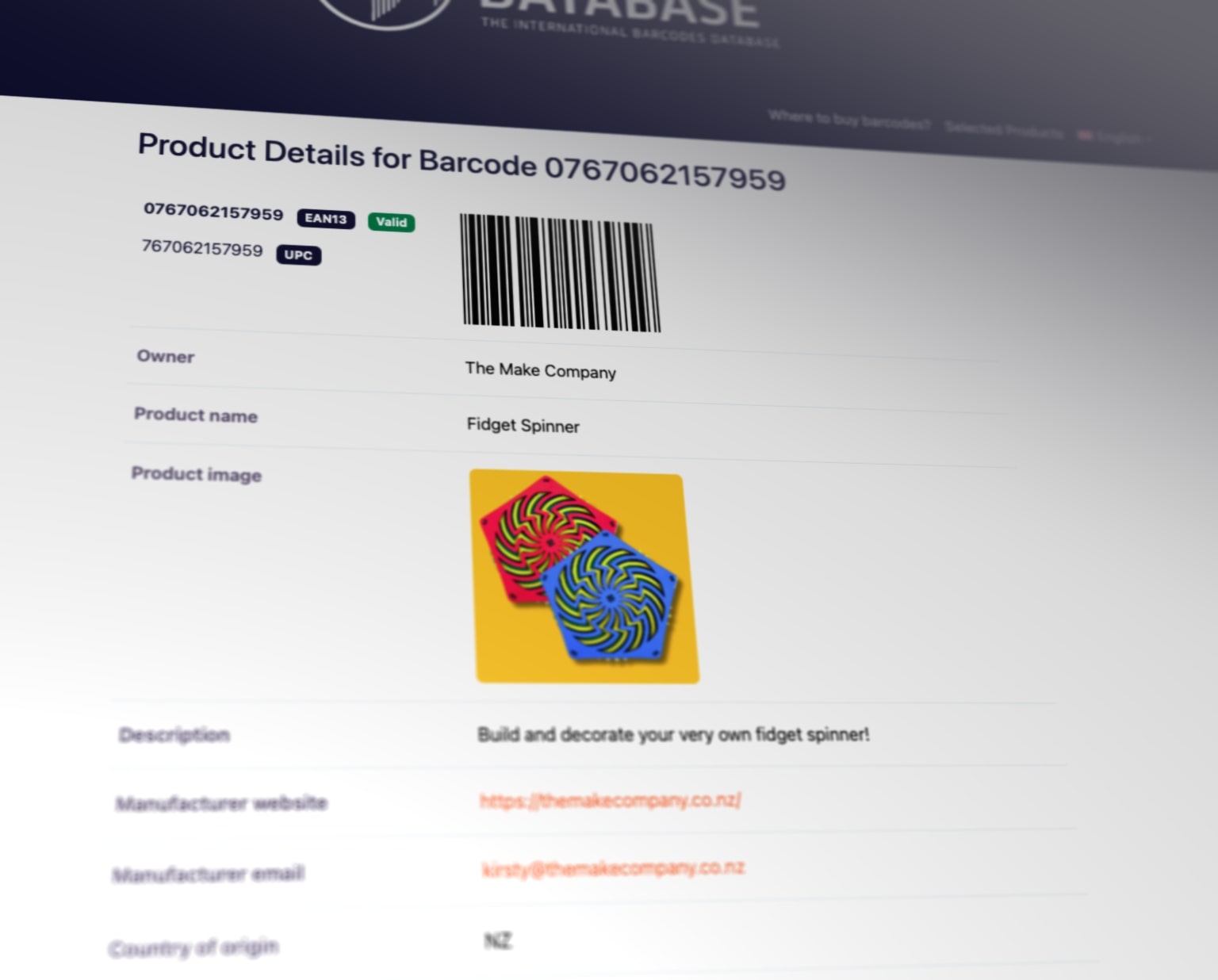
Register any available barcodes through the Portal. This is optional but useful for increasing the visibility of your products and barcodes online. It also helps to prevent illegal use of your barcode numbers.
Your registrations appear at:
- barcodesdatabase.org
- ibnverified.org
- Select third-party product databases
You can register product information with these fields and more:
- Barcode number
- Product name
- Product description
- Product image
- Manufacturer details
- Price
- Country of origin